Welcome

The issues of the teacher librarians and para-professionals in California School Libraries. Please share your concerns, feedback and questions.
Showing posts with label distance learning. Show all posts

Thursday, December 3, 2020

CSLA Sora Workshop coming up on December 9th


Join our Northern Region 3 reps, Maria Petropolis and Jeromy Winter, and Vice President of Membership, Clare McGarvin, as they discuss the implementation of Sora in their respective districts and school sites.  Sora is the digital library app from Overdrive that is available to school libraries.  This is a great way to get books in the hands of students, especially during Distance Learning. 

If you are interested in attending this FREE workshop, go to http://bit.ly/CSLASora to register.  See you on December 9th!

Friday, September 18, 2020

Don't kill your own storage - Make a YouTube Channel!

For many, the concept of putting library videos on a social media platform like YouTube can be daunting.  However, YouTube can be a powerful tool for increasing your library's visibility amongst students and parents.  In this era of Distance Learning, we need all the resources we can get in order to connect digitally with our patrons and their families.  

Why should we use Youtube?

  • The kids are already using it!  Think about how many times you've gone around to classrooms or had students in the library who were jamming out to some sick tunes on YouTube.  How many times are students sharing a funny video with each other? Students love videos.
  • YouTube doesn't (currently) have a storage limit. One 5-minute video file can be anywhere from 25 to 75MB! If you don't have unlimited Google Drive Storage or a hard drive in the terabyte range, you can be filling up your personal storage really quickly with videos! Lack of storage space could slow down your computer's performance.
  • Keep generative views for years to come. When videos are posted to Facebook, Instagram, or other social media, they can be lost to the sands of time (which might be good in some cases!).  If you or your students have worked hard on a book trailer or a book tasting, those videos are ones you'll probably want around for a while.

What are some things you can use a YouTube channel for?


*Check copyright for books in your Read-a-louds - SLJ has a great post on this! 

Convinced??

If you're ready to start, head over to youtube.com and sign in with a Google Account (or create a specific one just for your library).
Screenshot of Youtube account information


When you sign in, you should see your account icon in the top right corner.  Click on that to reveal all sorts of settings. Here are a few key ones:

  • Your channel - this is where your videos live, and where you can upload more videos. You can also create playlists in here and add videos to existing playlists
  • YouTube Studio - another place to upload videos, but also where you can edit and change settings for videos previously uploaded. 
  • Settings - this is where you will find a lot of really great features, including:
    • Notifications - control what emails/notifications YouTube sends you
    • Playback and Performance - where you can turn on closed captioning and other settings

      Tips for starting out

      • 3-and-your-done. Your video will never be perfect.  Why? because you're not a Hollywood actor with a cast and crew behind you! Give yourself a limit on retakes - 3 takes and you move on. Otherwise, you'll sit there all day trying to get it to be perfect!
      • Make playlists like you would make a book collection.  If you have many book talks in the same genre, make a playlist so your viewers can 
      • If you're using a phone or tablet, invest in a stand.  Shaking videos are never fun to watch! There are a ton of great stands for under $20 on Amazon and other similar websites.
      • Record in Landscape, not Portrait. If you're using a tablet or a phone, turn your device "sideways" aka landscape.  This will ensure your video fills up the Youtube viewer, rather than having a strip of video in the middle and a bunch of black space to the left and right.


      Things to consider about your channel

      • Do you want comments on your videos? Commenting can be turned off on videos, which might be good especially for younger grades where there are more privacy concerns.  Rather, invite conversation on other platforms or through email where commenting can be private and monitored.
      • Public, Unlisted, or Private? There are three privacy settings for videos which can be leveraged for specific needs.  Depending on what you're posting, you might want your videos to be unlisted (like with read-a-louds, where many publishers have asked for videos to not be publicly searchable), or public for virtual tours, interviews, or book talks. 
        • Public: anyone can find your video in the search, and these videos are in your channel 
        • Unlisted: viewers need the direct link to your video to view it.  These won't appear in searches, or on your channel. 
        • Private: you invite others to watch your videos. They can't send the URL to others to watch it

      Start posting!

      Like many social media, YouTube is very much a "Build it and they will come".  But you have to make it easy to find!  Start posting your videos on your school or library websites, or connecting them to book collections in your favorite cataloging system.  Share out on your other social media that you have a channel, and you might start getting subscribers!  Send out links or QR codes to your videos in your School Newsletter.  

      Feel free to share out on Twitter using #4csla and tagging @cslainfo and yours truly at the address below! Happy YouTubing! 📹


      Sara Smith, Teacher Librarian
      Sanger High School & Sanger High West
      @sm_wordsmith on Twitter

      Friday, July 31, 2020

      CALIBK12 Topic Roundup - Making Books Available To Students during Remote Learning

      Question:

      Hello!

      Long time listener, first time caller. 

      I work at at private school in San Mateo and the school is doing everything it can to have in person school at some point this year - perhaps even to start the school year - San Mateo County is not on the watch list as of this writing. 

      The plans - as I understand it so far - includes having no students go to the library. We are a small pre-k through 8th grade school (about 250 students). 

      I was thinking I would like to try to make library books available to the students in some capacity. I would love any ideas/suggestions/thoughts on how to do this, limits, frequency, etc. I will worry about getting books back and disinfecting them, but everything else is on the table. Please let me know your thoughts!

      Thanks,
      Jeff Paulson
      Answers:
      Hi all,

      We all want to provide physical books to our communities who crave comfort - for the spirit, the eyes, and the brain during this pandemic. Many public libraries have created "curbside services." Perhaps school libraries will be able to offer the same? However, we all need to stay informed about the type of print materials handled. Here's what I've shared with our district's risk management team. 

      Apparently, high gloss pages, present in magazines or children's board books will need to be quarantined for a longer period than other materials, up to 4 days. - REALM Test 2 Report

      For most other library materials, After one day of attenuation, there was no recoverable virus (below LOD) for the hardback book cover, the paperback book cover, or the DVD case. By day three, all five tested material surfaces resulted in no recoverable virus.” - REALM Test 1 Report 

      Regina Powers 
      District Librarian 
      Anaheim Union High School District


      Hi Jeff, 

      Our school district is doing distance learning however my plan for hybrid (when we get there) is to take a more 'embedded' approach where I visited classrooms (if possible) - maybe taking one cart full of books and have the students let me know what they like, make suggestions and then checking out items using the library's wireless laptop. Then they just have to return them into a box and they can sit for three or four days. 

      We have Destiny LMS - my plan is to get this accessible via the school website so students can put a hold on books they like (perhaps up to five each) and I could deliver to the classroom after three days - perhaps in a plastic or paper bag. 

      I was also recently in a small bookstore where they had 'Lucky Dip' book bags for romance - I was thinking this could possibly be done at the school - perhaps 3 books of a particular genre, write the barcode numbers on the side and then you just have to issue the items and hand over the bag. ?

      Ruth Relf
      Librarian 
      Dexter Middle School
      Whittier City School District 


      Hello! 

      Many HS TLs in our district are planning on allowing students to place holds on the library books they’d like. From there, we will have pick up hours each day. HTH!

      Connie Joyce

      Join in the conversation on CALIBK12!

      What is CALIBK12?
      CALIB K12 was originally a ListServ Moderated through San Jose State University. The original owner and creator was  Peter Milbury in 1993.  Here is the original description and purpose: 

      "This is a discussion group for California library media teachers. Conversation on this list focuses on the topics of distinct interest to the California school library media community, including legislation affecting school library media centers, regional and statewide networking and resource-sharing, school library education and training programs, California Online Resources for Education (CORE), the California Technology Project and other services, organizations, resources or events that affect California school libraries and library media teachers. This discussion is open to all school library media teachers in California and people involved with the school library media field. It is not for general librarians or educators. But, the discussion can be used by library media people for many different things- to ask for input, share ideas and information, link programs that are geographically remote, make contacts, etc. This is a list for practitioners helping practitioners, sharing ideas, solving problems, telling each other about new publications and up-coming conferences, asking for assistance or information, and linking schools through their library media centers in California."

      The List Serve closed on 12/31/2012, and was moved to a Google Group Moderated by Becky Johnston and Joan Mcall.  

      For daily updates and if you best communicate by e-mail, then you should become a member of the CALIBK12 Google Discussion Group.  This is your CSLA hosted Professional Learning Network. I find this group especially helpful to get immediate responses to questions that are specific to the problems we deal with on a daily basis in California libraries.  If you have any questions or problems you want to ask the “great brain” or the “hive mind,” do this now!

      Click here to join Calibk12, the discussion forum for all things related to California school libraries.  I recommend you join with your personal e-mail, as you may end up changing job locations throughout your library career.  

      Once you've joined, you can post to the Calibk12 email list by sending an email to calibk12@googlegroups.com.

      Make sure you adjust your settings so you get notified when something is posted:
      • My Settings
      • Membership and email settings
      • Email delivery preference (choose 1):
      • Don't send email updates
      • Send daily summaries
      • Send combined updates (25 messages per email)
      • Notify me for every new message (about 1 per day) *** I recommend this one!
      Posting Protocol can be found at:  http://csla.net/calibk12-listserv/ 
      To unsubscribe from Calibk12, email calibk12+unsubscribe@googlegroups.com.

      This post was compiled by:


      Heather Gruenthal, CSLA Historian
      @hgruenthal on Twitter


      Wednesday, July 29, 2020

      Distance Learning Bulletin Boards


      Now that most California Schools have declared that the start of school will begin online, it's time to start thinking about how we can engage our students virtually.  

      Here's some ideas to start:
      • Create a Bitmoji Virtual Library.  On this page, there are links to instructional videos on my RIYL google site and the interactive version of the above image of  the Bitmoji Room I created to advertise my online bookfair this year. A note about accessibility - you should accompany your digital library with a list of links in text format, as I did have a student report that the image file was too large to download to his device due to WiFi strength issues.  
      • If you would like more templates and backgrounds, Join the Bitmoji Craze for Educators Facebook Group  
      • You can also create a Google Classroom Header using a bitmoji template created in Google Slides.  
      • Start an Instagram Account to post photos of displays you have done in past years.  You can find me at @hgruenthal
      • Update or create your website to post digital content.  Google Sites is easy and integrates with your lessons in Google Drive if you are a Google district.  
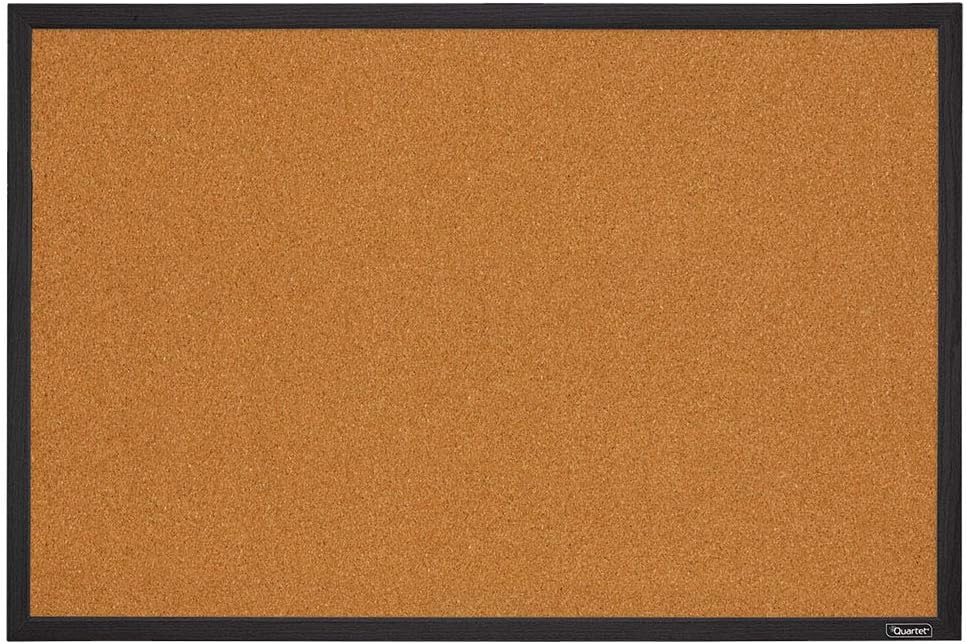
      • Buy a portable bulletin board that you can work on at home, and hang up in your library when you return to campus.  If you want to join a librarian's group to share ideas, Join the Facebook Group:  Library Bulletin Boards and Displays.
      • Bulletin Board link above: available on Amazon for $17.99:  Quartet Cork Board Bulletin Board, 2' x 3' Framed Corkboard, Black Frame, Decorative Hanging Pin Board, Perfect for Home Office Decor, Home School Message...
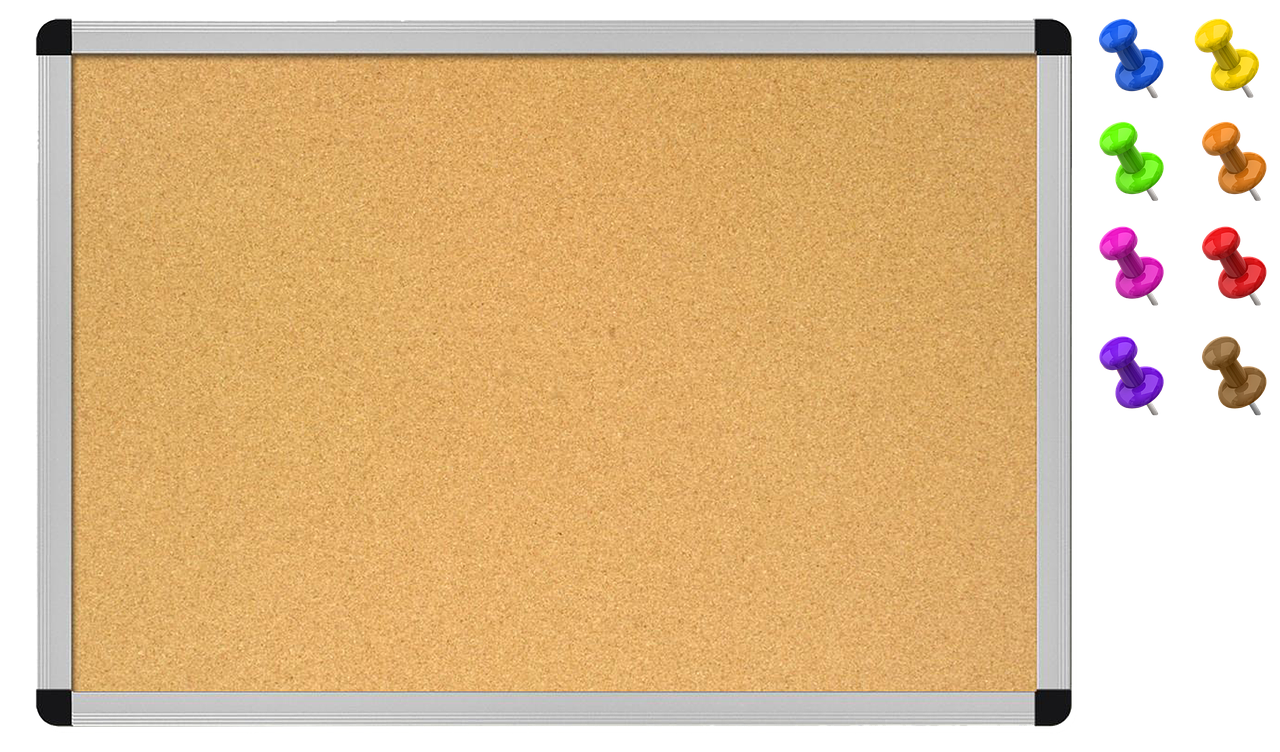
      • Digital Bulletin Board Background (source for image below)
      • Put this background into a Google Slides Presentation and you can create any bulletin board virtually. Make a Copy of this template in Google Slides. Spark Creativity Blog also has some digital bulletin board templates you can use to post student work in your online classroom.  Read about it on her Blog.  
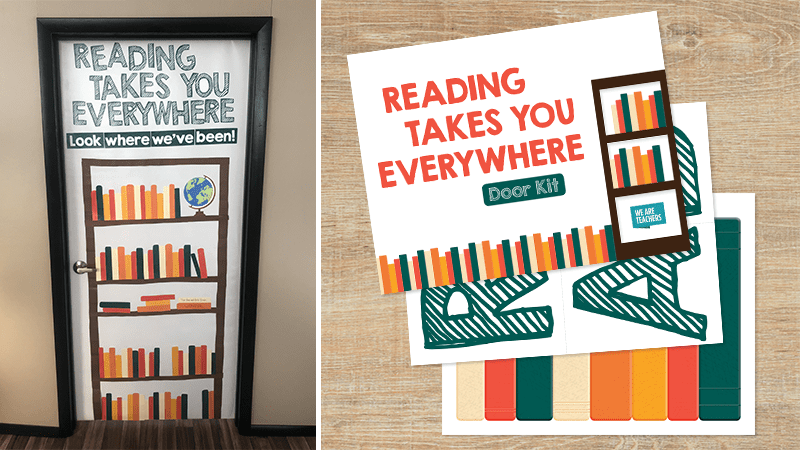
      • Do you have a door in your house that you could convert to a bulletin board?  Cover it with butcher paper or wrapping paper.
      • Have a blank wall you use for your Zoom Background?  Make a Word Wall.  How to make this bulletin board and more ideas can be found on my page of  September Displays.  
      • Buy a letter board to post inspirational quotes, messages, or a weekly challenge such as Word of the Week.  
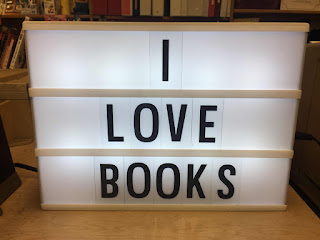
      • Buy a Light Box to post simple slogans you can use again when school meets face to face.  This one sits next to the check out station at my library. Check out the slogan ideas on my blog post.
      Use any of these ideas?  Let me know how it went!

      This post was compiled by:


      Heather Gruenthal, CSLA Historian
      @hgruenthal on Twitter

      Thursday, July 23, 2020

      Survey on obstacles to remote learning

      Designed to give school leaders a pulse check on their communities, a recent national survey highlighted opportunities, challenges and differences in perception when it comes to communications, connectivity, tech support and other components of the remote learning experience. Here are some of the highlights.
      • Uneven access to devices makes getting assignments a challenge (20% have problems).
      • Parents overestimate how often their students have a quiet place to work.
      • Some parents say they didn’t receive schedules and learning goals.
      • Teachers report overwhelmingly using their LMS—but few other educational technology programs.
      • There’s tech support for teachers. For students, not so much.
      2020 Remote Learning Survey Research Results. (2020). BrightBytes and ISTE.https://www.brightbytes.net/rls-researchx